Offer Automation
The Problem
Mobile management of seller offers is lacking
Sellers lacked a single, unified space to manage their offers on mobile. While desktop offers automation, many sellers cannot always access a computer to respond, adjust the offer amount, or modify the automation settings.
Offers is the key feature that connects sellers with interested buyers and ultimately seals the deal.
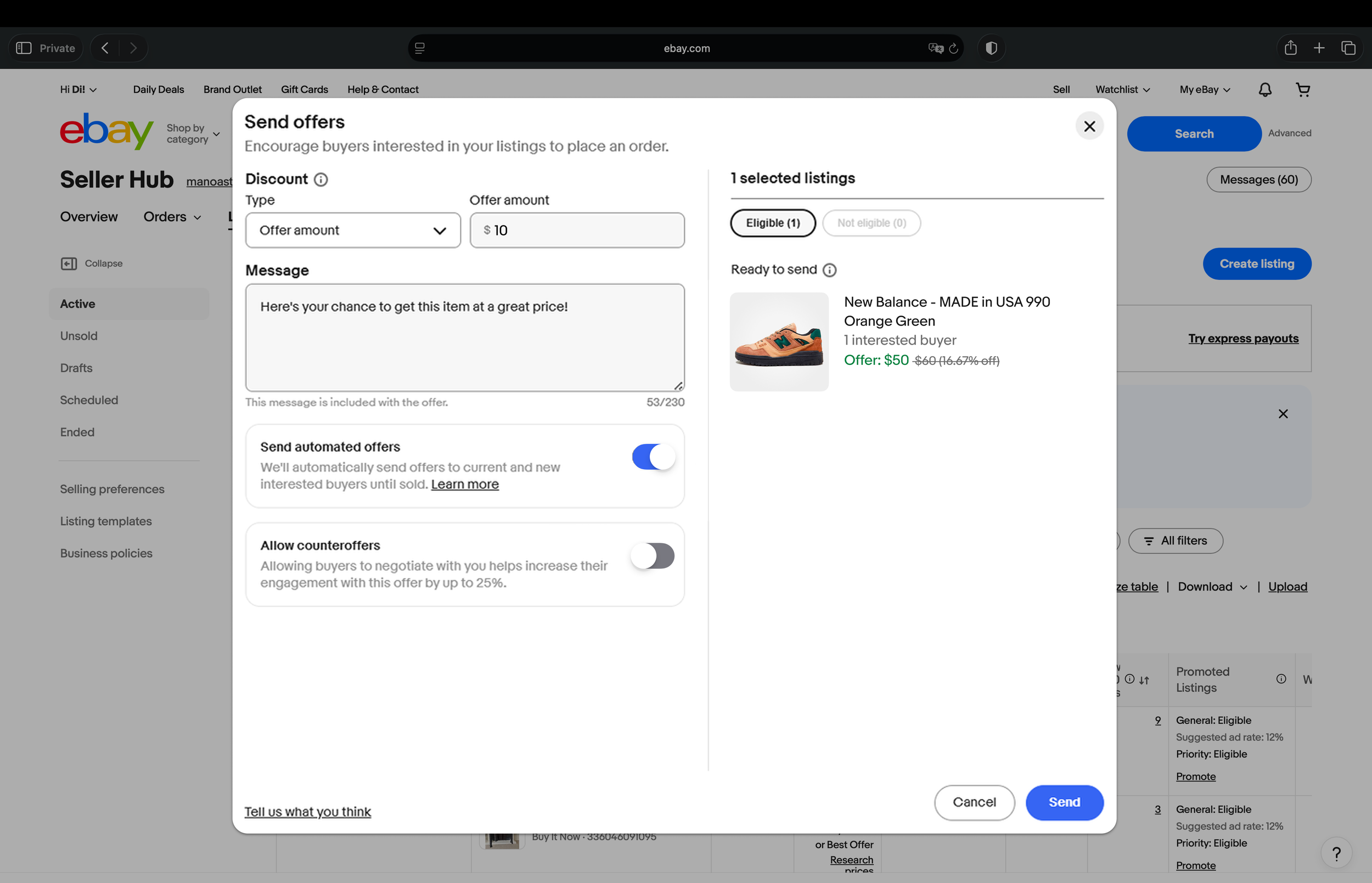
offer setup experience on desktop
Prioritization
We must not limit the tool to automation only.
While the mobile tool was primarily requested to focus on managing automation settings (on/off, timeframe), we must be mindful of what sellers truly need: a way to track the success of their offers.
Therefore, instead of just indicating the number of automated versus non-automated offers, we need to show different aggregations by status.
Our approach is to:
Start with overall offer performance.
This holistic view is necessary, as focusing only on automated offers does not show the complete journey (e.g., excluding counteroffers).
The page will then enable sellers to manage automation settings directly on mobile.
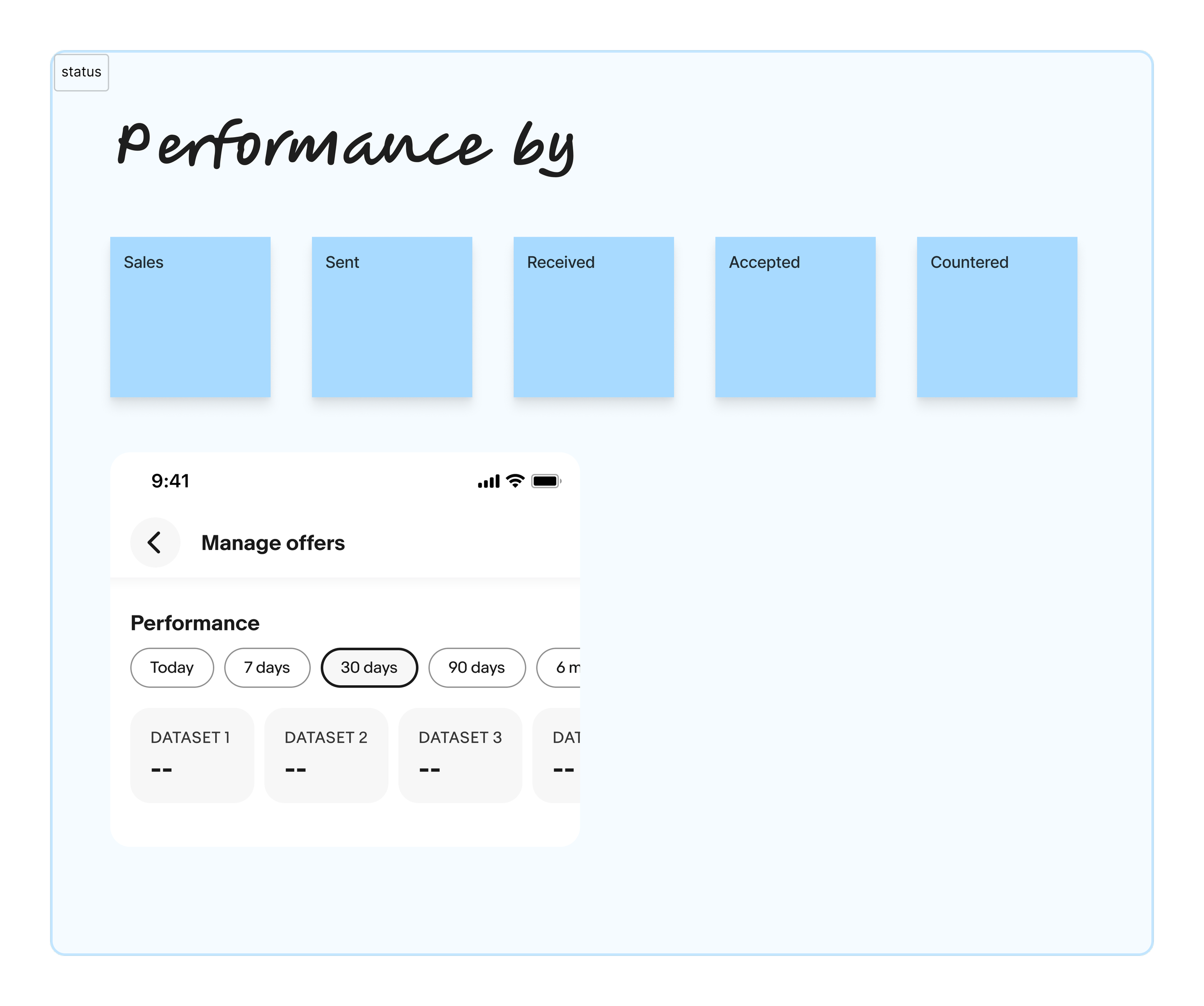
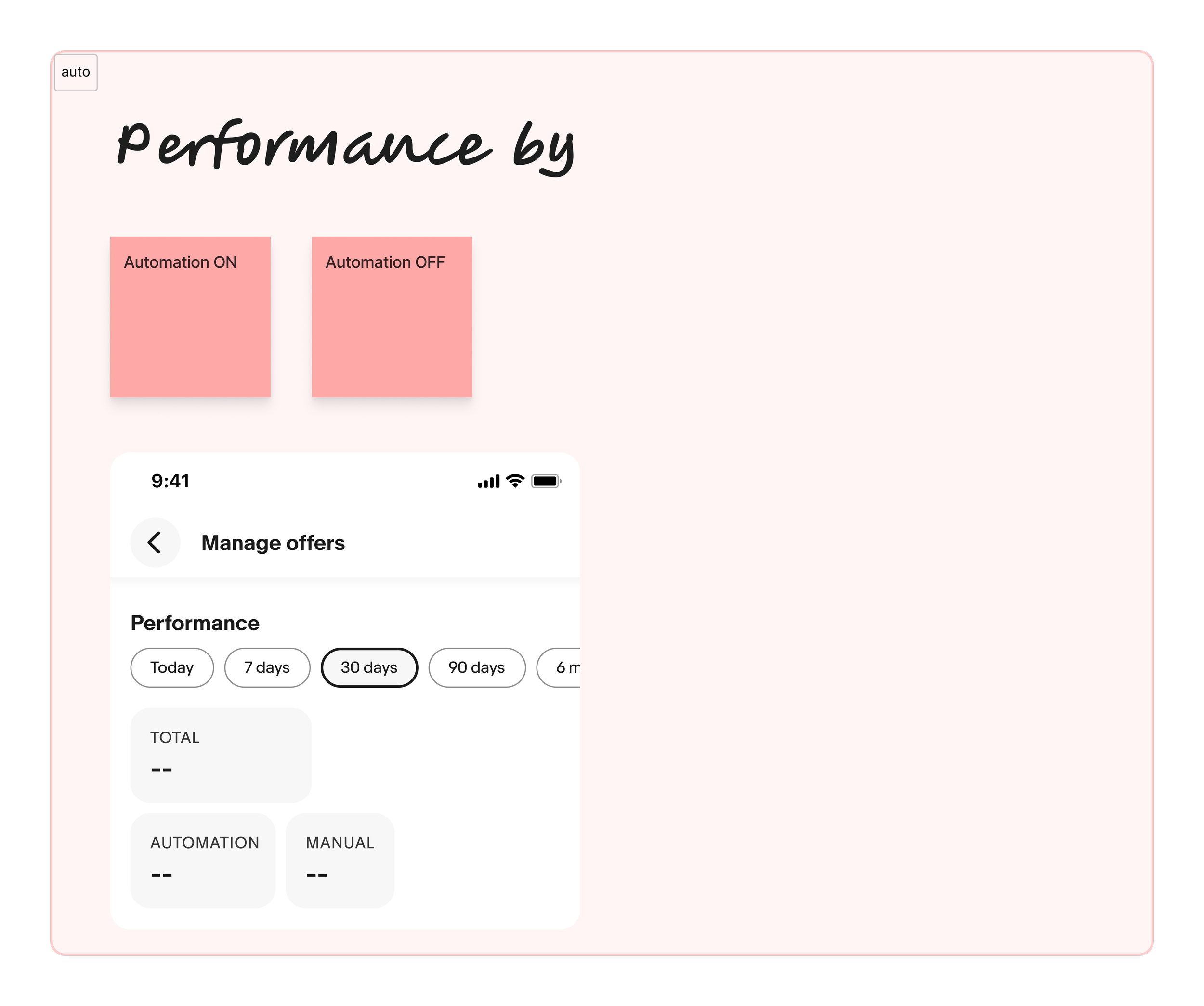
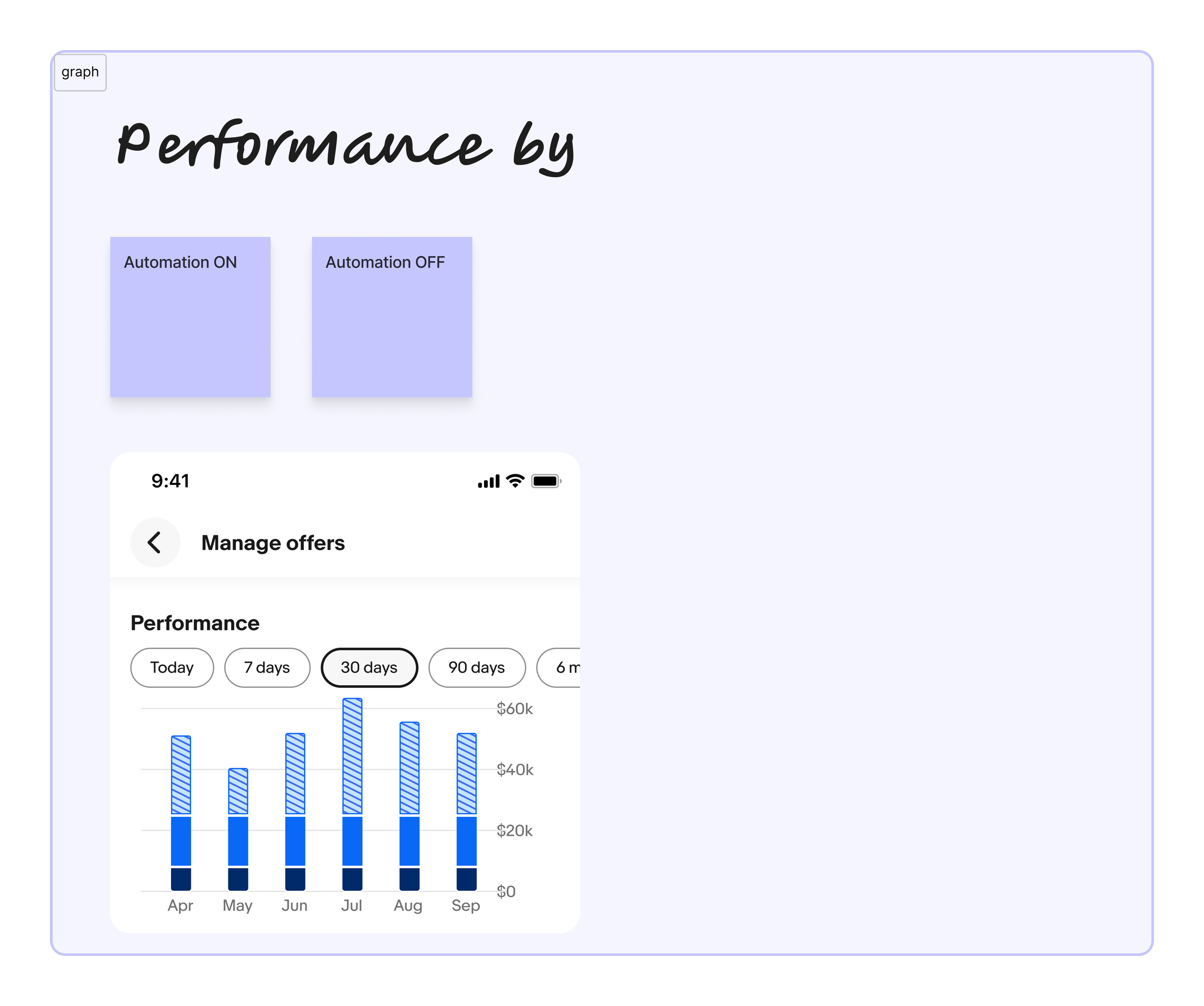
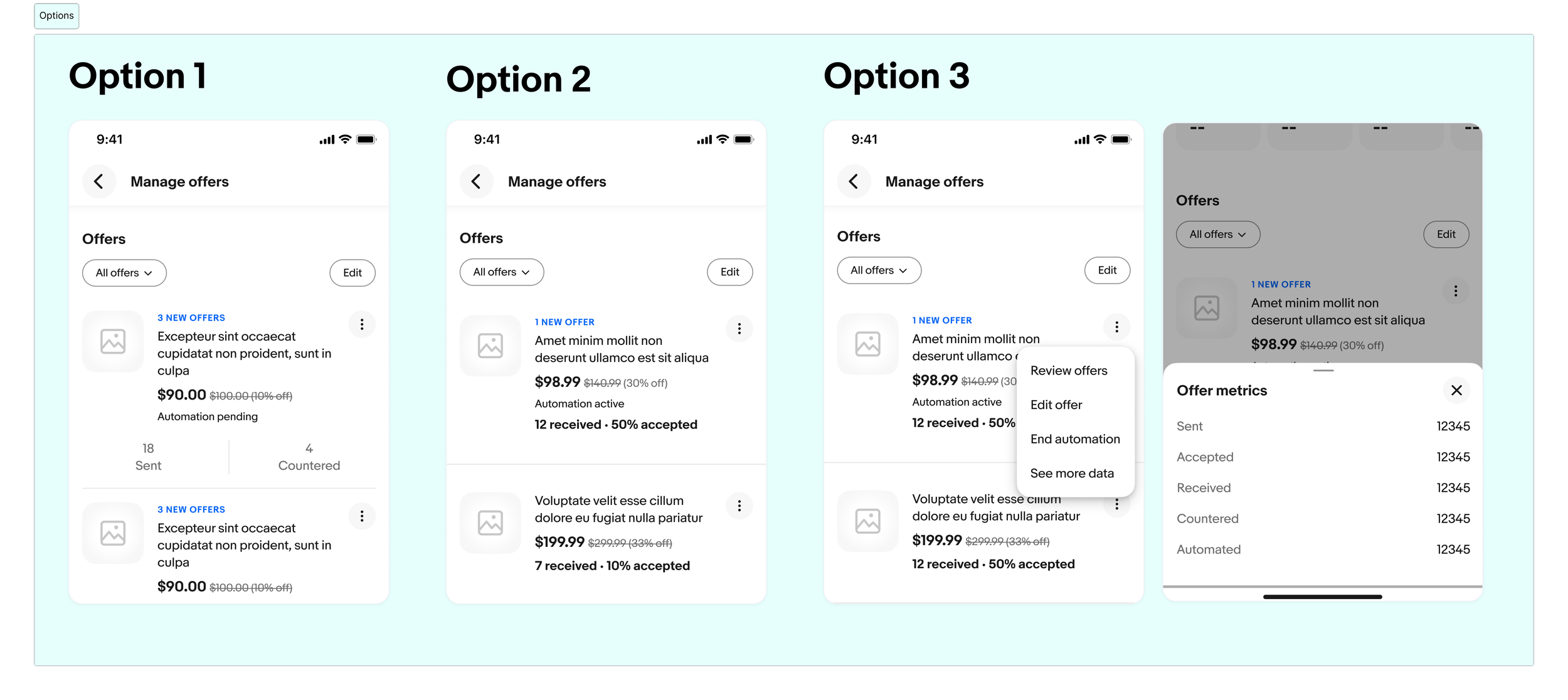
In terms of offers for each listing, I've also explored how to best present the data, for example, by showing the quantity sent by sellers and the quantity accepted. The purpose of highlighting this data is that the platform can calculate useful metrics that sellers usually wouldn't see or easily track on their own. In that case, this would be a valuable and engaging tool for them to use. There is also an opportunity to include different types of offers for each listing, separate from the main header performance section. Unfortunately, due to scope and resource constraints, this will be deferred to the next phase.
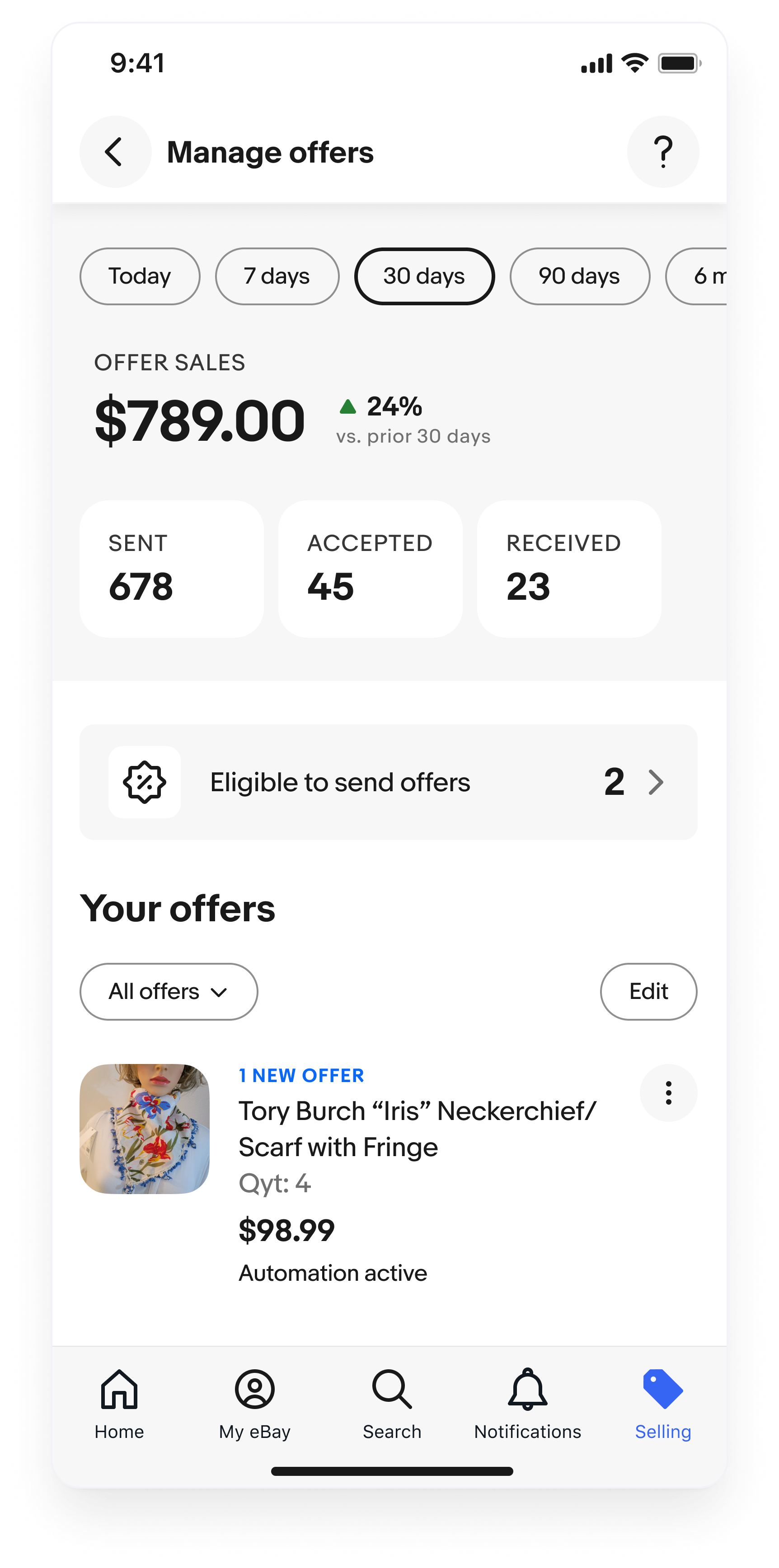
Manage offers
The page begins with Offer Impact, showing total sales made via offers. Below this, a Call-to-Action highlights critical next steps. In the item-level offer section, a signal color is used to flag new activity (e.g., a new offer on a scarf), drawing the seller's attention for a quick response.