Capture 3D
Overview
Capture 3D is a camera tool for service providers to generate and share 3D images with clients.
Launched in Q3, 2021: iOS · Web
Role and Team
My contribution included problem discovery, user+research+marketing research, design iterations, visual design, prototyping, and marketing promotions.
Timeframe: Sep 2020 - April 2021
Team: Tech Lead, PM, Marketing specialist, and Engineers
The Problem
High cost and high effort in achieving 3D visualization
"It's hard to communicate abstract concepts with my clients on paper! The 3D visualization costs can be $$$$ which is unaffordable to me." - Manufacturer
"It took me a lot of time and money to hire a photographer or videographer to take commercial images or footage. Buyers have to click dozens of photos to view the item. I wish to find a simple and easy to take and show my items in a full angle on the website so buyers can benefit from it." - Online seller

Opportunity
To provide a free and easy 3D tool for business owners
We decides to make an MVP version and test out the niche market to scale down the business. The plan was to allow users to generate 3D images and get user feedback to improve. In the long run, the tool will charge an image cloud fee.

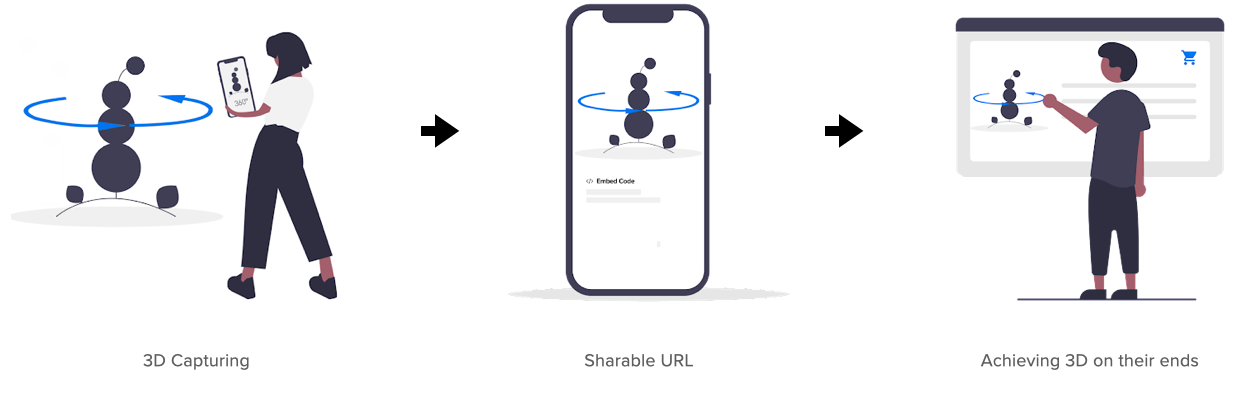
To use a sharable URL to achieve
As we aimed to target online sellers, manufacturers, and teachers, we found out they use the website or digital copies (like pdf) to communicate with their clients. Therefore, clients requested a shareable URL or QR code to transfer the 3D images onto their business platforms.
Design Outcomes
1. To take better-quality 3D images
Taking a 3D image is different from the traditional 2D way, in which a decent 3D image requires the user to scan with a semi-circle angle while holding the phone. However, during our testing phase, I found out our users needed to be more familiar with the behavior because our app didn't provide any.
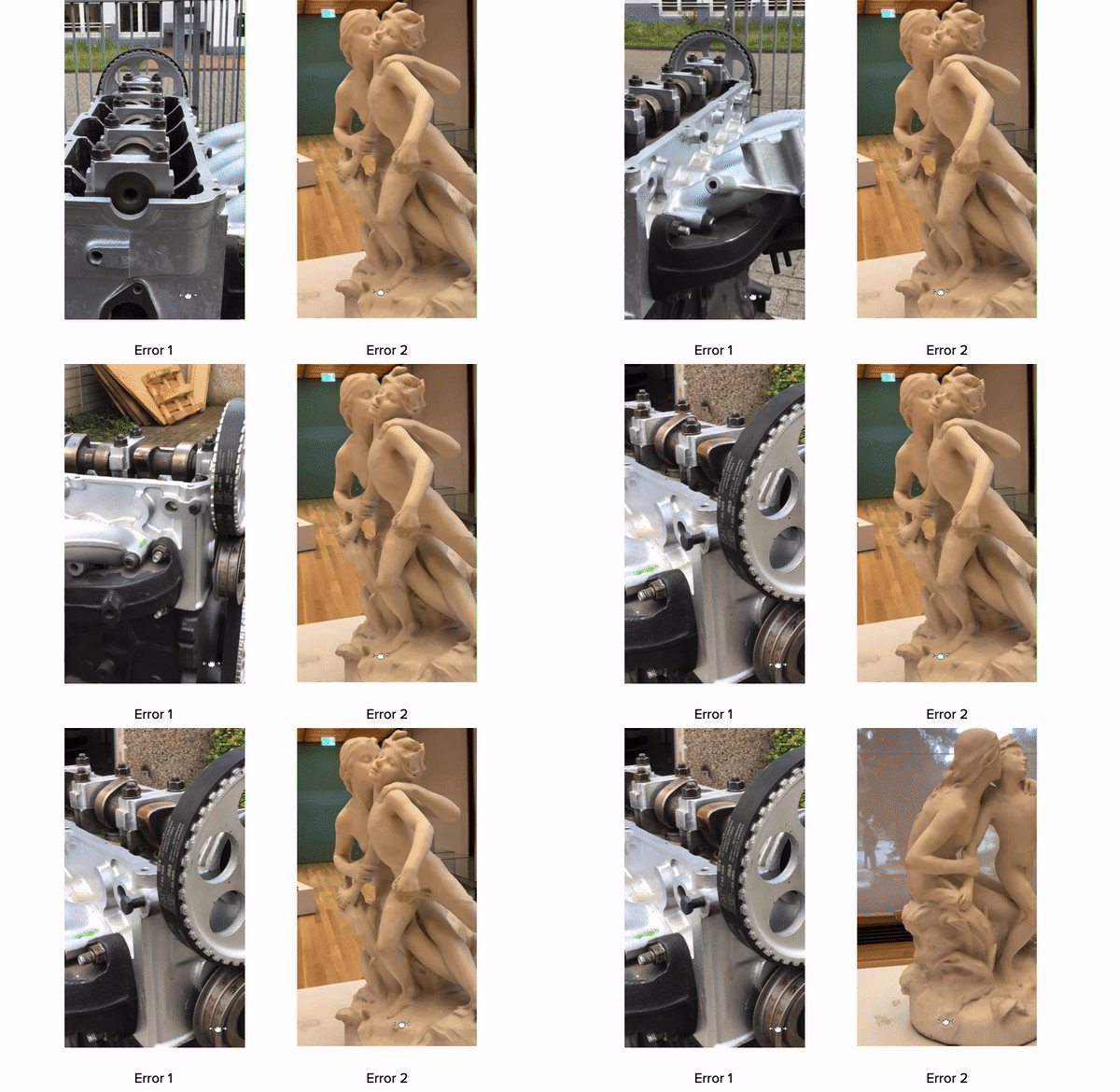
Users’ error images
Purposed to use Algorithms to guide users
I asked our team if we could achieve the AI technology, which firstly, our app shall target the subject and its contour to recognize what it is, then provide users with suggested directions. This approach aimed to save users' effort and energy. However, this purpose would take engineers more time to achieve.
Proposed solution
Decided to use onboarding guidance
With the technical constraints, I tried tutorial videos and onboarding swiping carousel to guide users. We made a video and set it for the onboarding, but users complained about the stability of the 3D images. So we explored a turntable that we could suggest to users while devs improve the technical issues.
Alternative solution
2. To share the 3D images easily
Based on research, our users prefer to share the 3D images with 1. web link (real estate agents and clients or manufacturers and producers; 2. embed code (online sellers embed the HTML code on their e-commerce sites); 3.QR code (teachers to students during covid/remote learning)
Option 1 is more adaptive for a long-term vision, as we will provide users with what format of the 3D image they want to share, e.g., STL, OBJ, FBX, and DAE. Option 1 starts with the bottom sheet, then expect users to swipe up, and then the page will form a standalone page. Below are my explorations:
Solution Discoveries
Delivered Prototype
1. Capturing
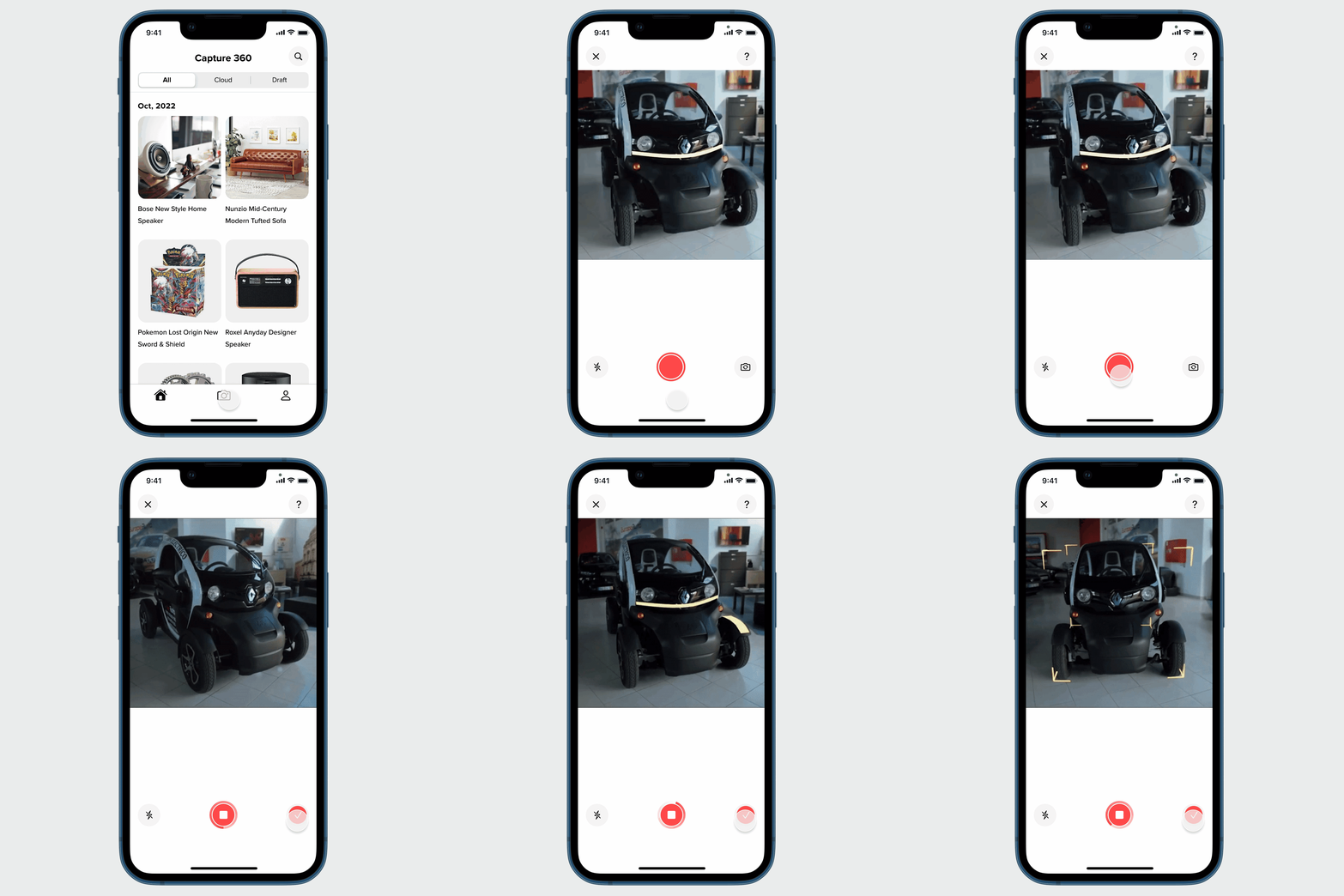
Capturing
2. Preview the 3D image and editing

Editing
3. Sharing

Sharing
Result
Image generating rate: 98%+ success rate
Client example - wig (link)
Validated Learning
This launch has brought more than 12,000 users, which helped the company to learn the next step would focus on small business online sellers and academic instructors.
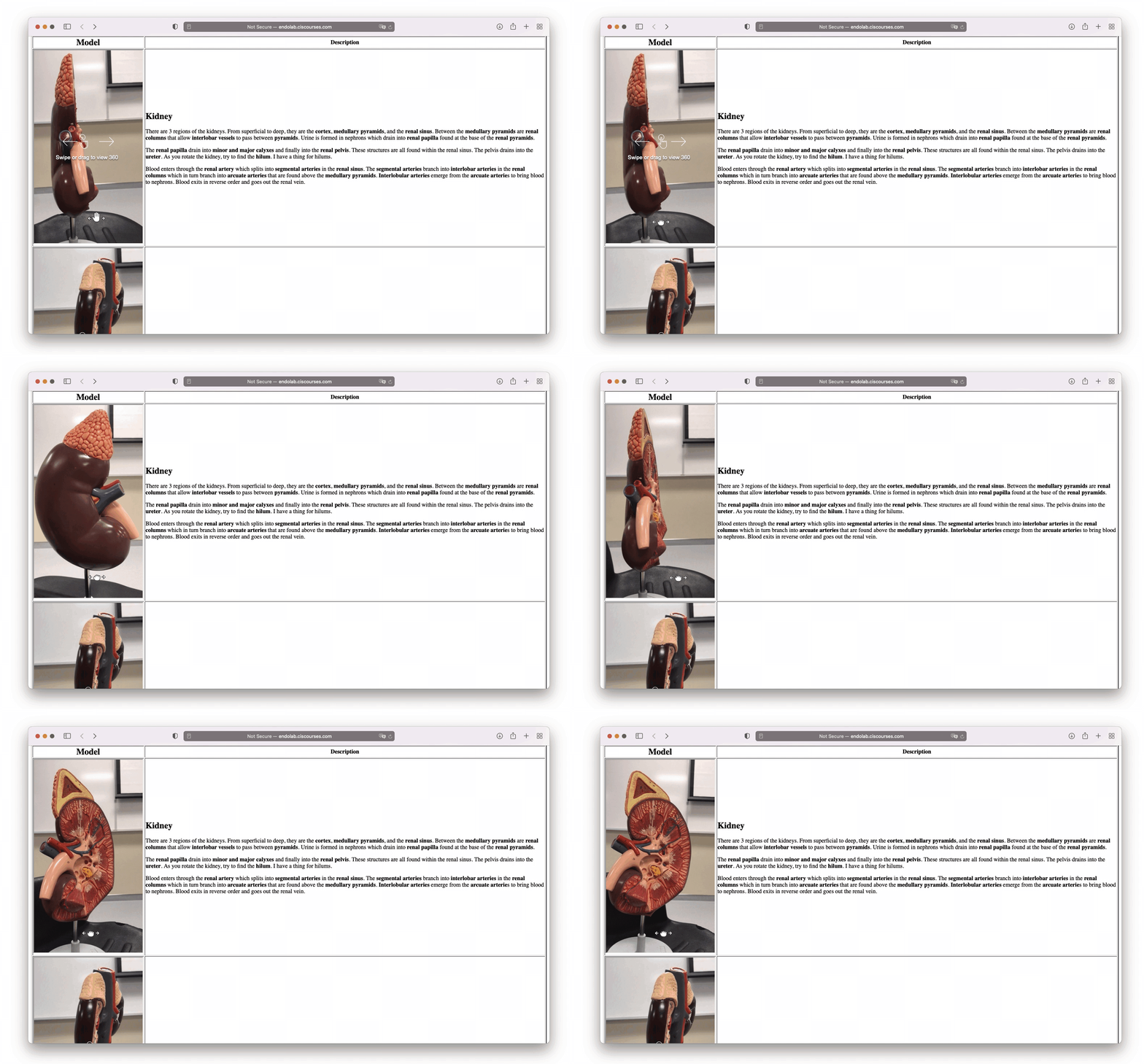
Client example - teaching model (link)
What's next
Enable web editing
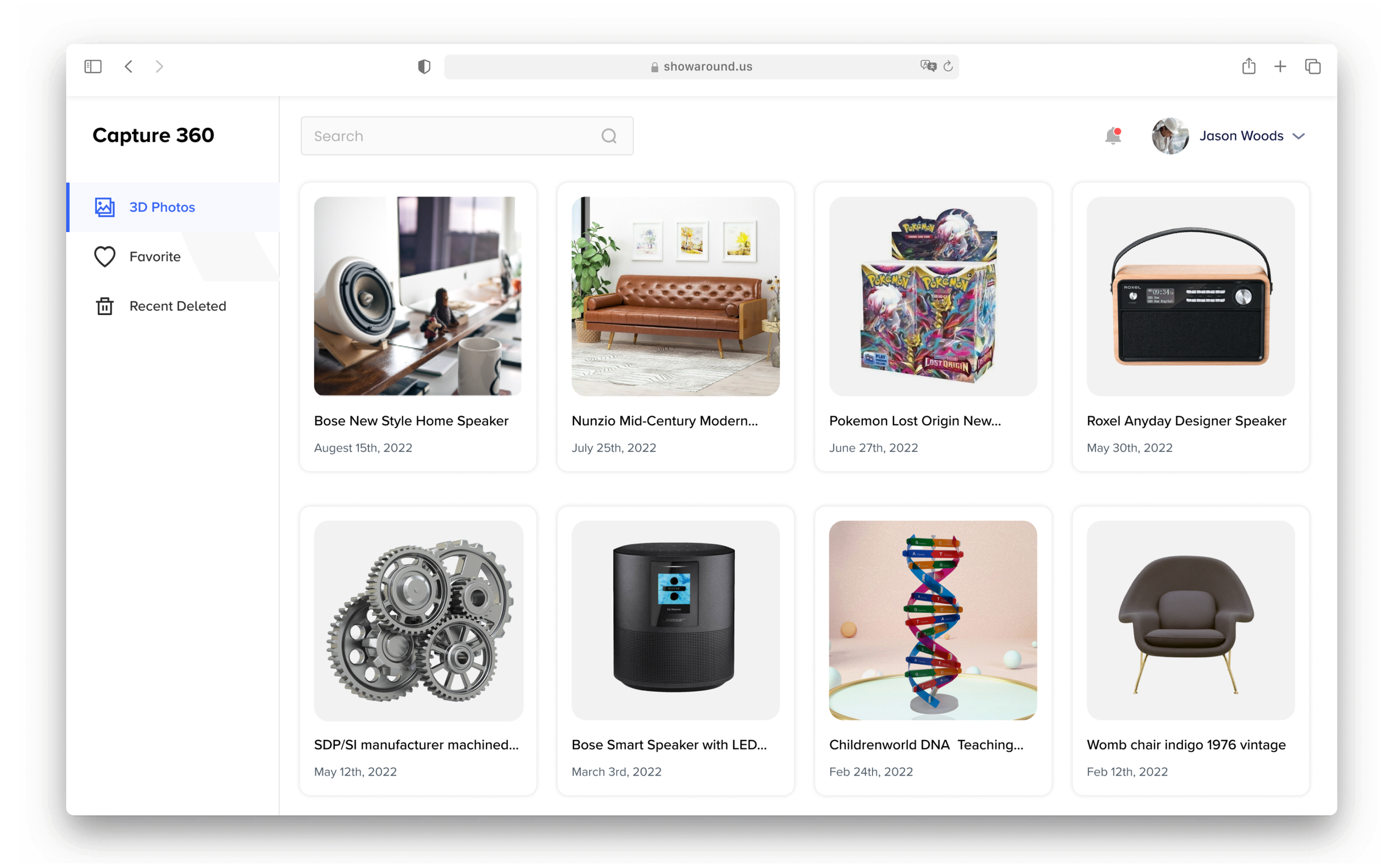
Before I left, I also delivered the web UI to support service providers in managing and editing cloud images.
What’s next